The Problem
Millions of users with visual impairments around the world require accessibility tools to interact with their smartphones. Features like Talk Back, Voice Over, and Screen Readers are known as Accessibility Tools. They work by layering on top of the device's UI.
But the UI these tools are layering on top of and making 'accessible' is a Graphic User Interface. It is designed for sighted people. Accessibility Tools instruct users with visual impairments on how to use a GUI via audio feedback.
This intermediary behavior makes this solution slow, limiting, inflexible, unintuitive, and cognitively demanding to use. Users, at best, get a sub-par interaction quality, a.k.a. a poor User Experience.
Solution
I wanted to create a solution with zero dependency on vision to its core!
To achieve this goal, I followed the Double Diamond UI/UX Design Framework. This process included performing a deep analysis of the pain points and needs of users with visual impairments to craft the best possible solution - MoonTouch.
Read the case study to know how MoonTouch redesigns the Information Architecture and User Interface to remove dependency on vision and integrate accessibility deeply within the system.
What Makes MoonTouch Better?

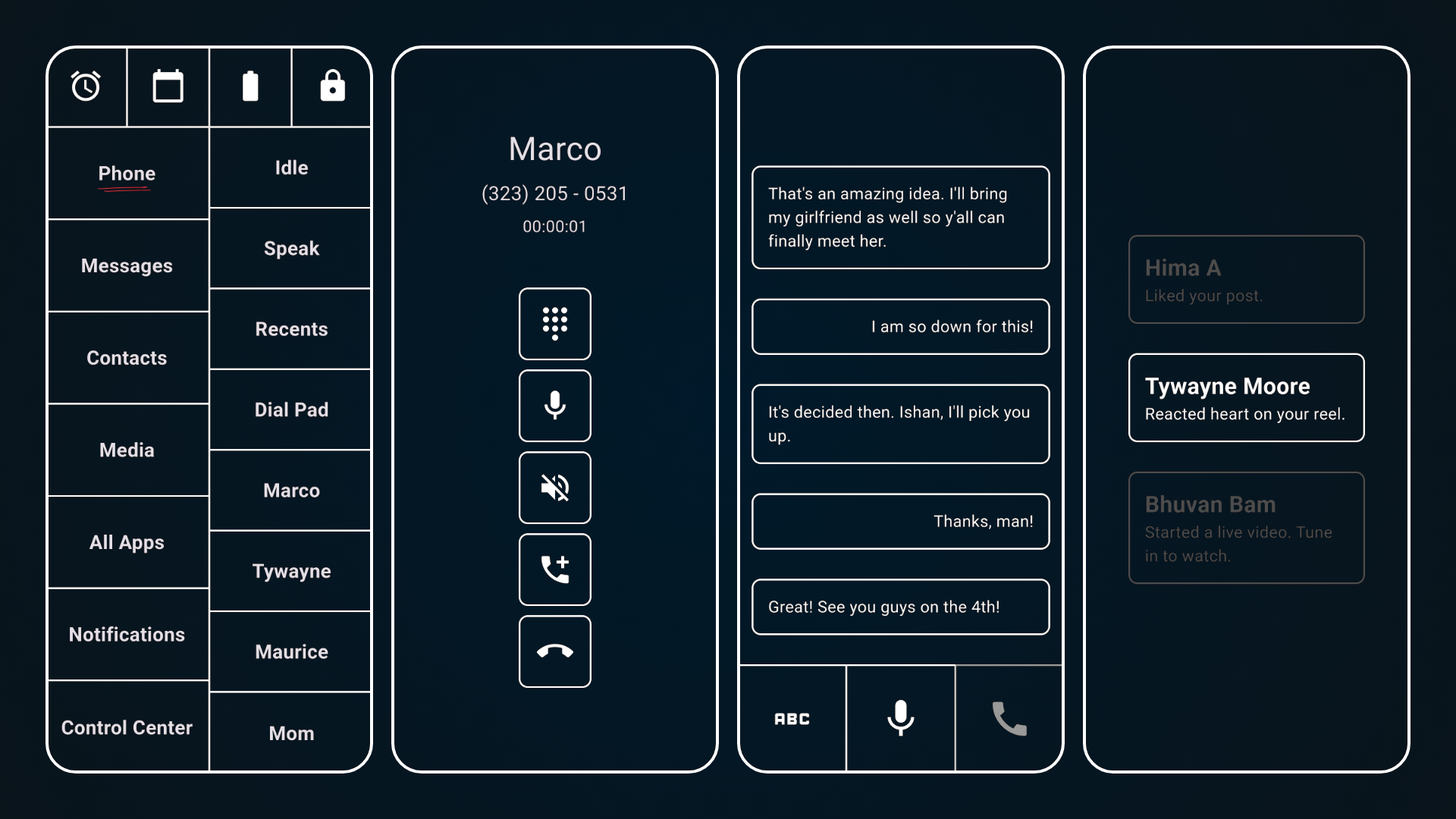
MoonTouch replaces the GUI of the device and takes control natively. It interacts with users via audio-haptic feedback and Sticky Scroll. There's zero dependency on visual I/O. MoonTouch doesn't make a system accessible to users with visual impairments. It's a system designed for them!

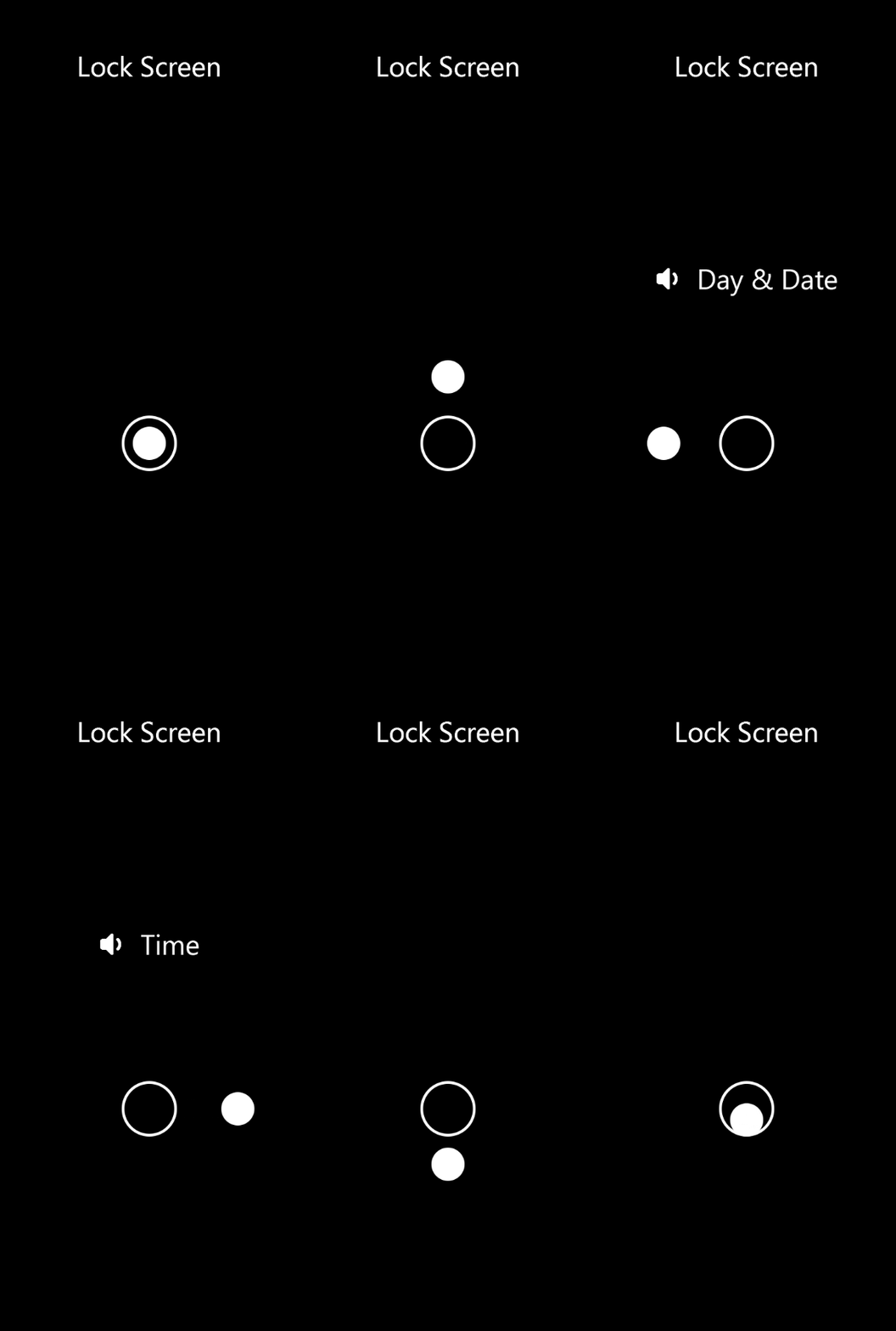
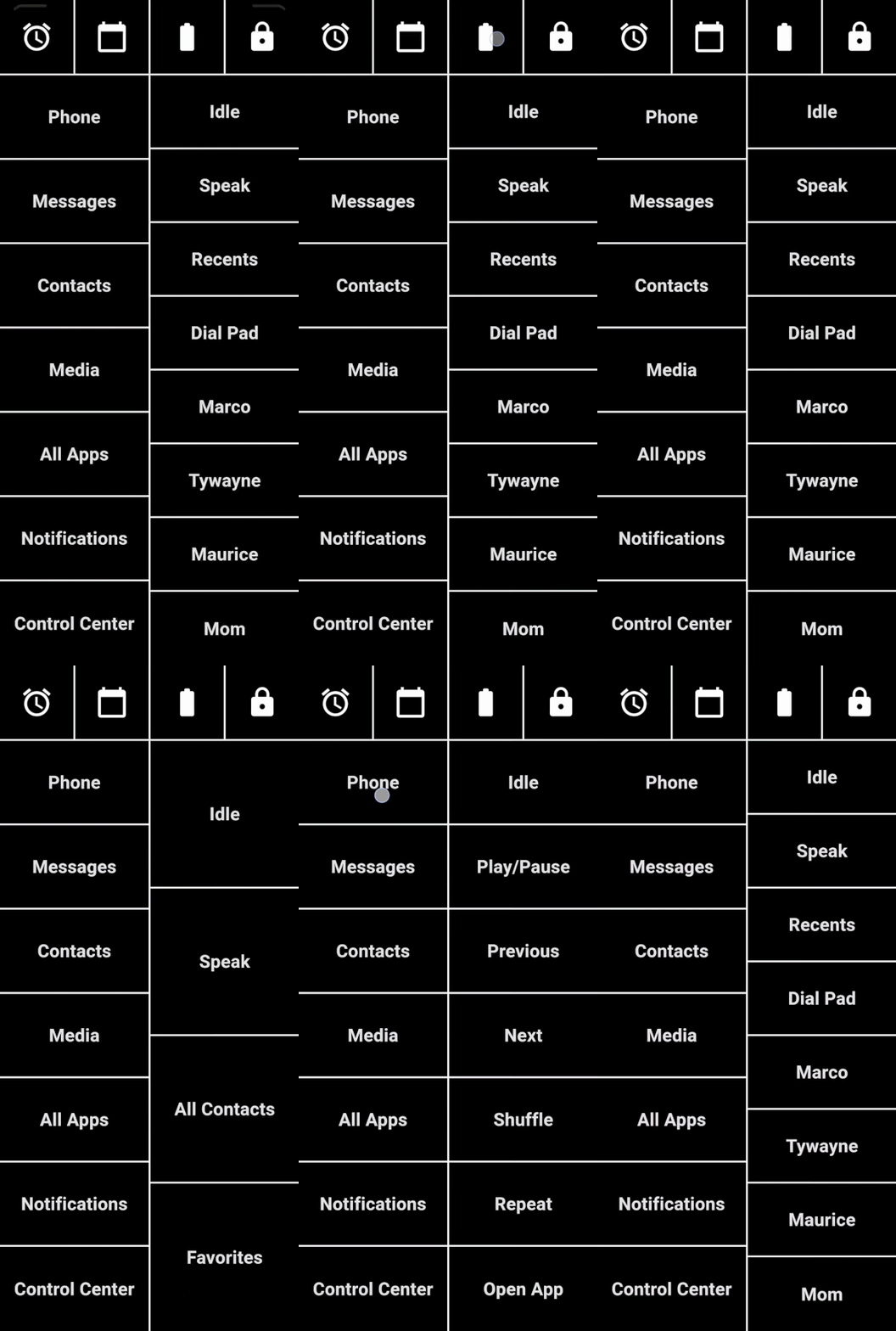
Sticky Scroll is a revolutionary navigation system that helps users navigate the new Non-Visual User Interface. It's concise, consistent, and easy to use! It has only three gestures and requires, at most, two fingers to use. The second one is only used occasionally.

All the unnecessary metadata has either been removed or relocated. The phone speaks only what the users need to know - no jargon at all. Optimized data reduces audio feedback and increases comprehension. Users can now focus on what's important.
Reduces Cognitive Load
Increases Comprehension
High Degree of Autonomy
Reduces Time Required to Perform Tasks
Reduces Effort Required to Perform Tasks
Supports All Degrees of Visual Impairments
Improves Interaction Quality
Can be Used by Everyone
Hear From The Users
Using MoonTouch is pretty simple. Minimal gestures make it consistent and very easy to learn.
All the information in MoonTouch is broken down into individual parts and lists. It makes doing things easier and faster.
Love the new navigation system. Everything is controlled by just two gestures and you don't even have to lift your finger off the screen. Definitely makes it easier to remember where you are and what are you doing on the phone.